DocsCompany setup
Employees
Add staff records manually or import them from a spreadsheet, and keep payroll fields complete.
Staff are represented as employee records. A record is payroll-ready when the profile basics and the starting salary fields are complete, and the employee list shows exactly which records are ready.
Employee database
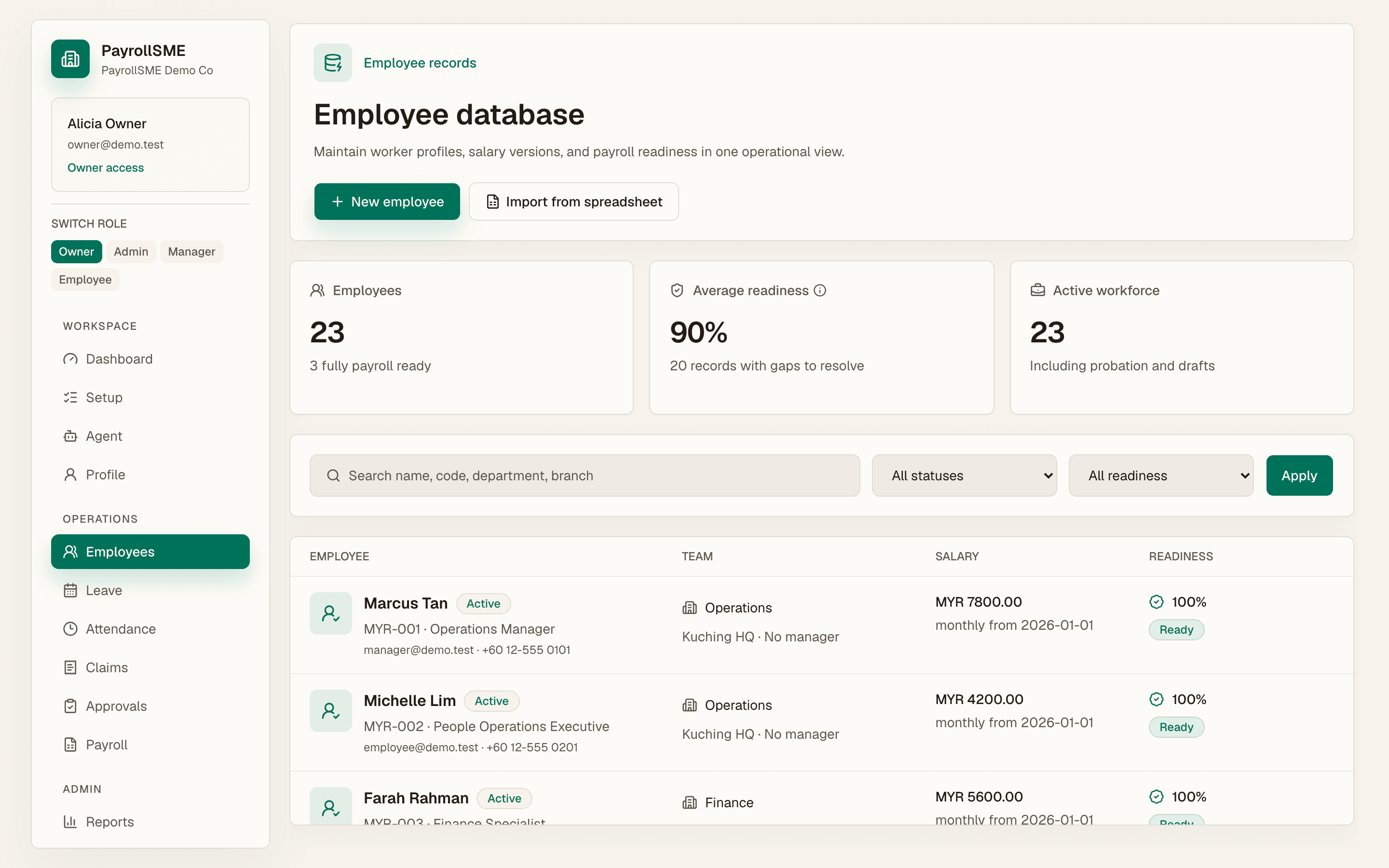
On /employees:
- Search by name or employee code.
- Filter by employment status and by payroll readiness (ready, missing, or all).
- Review the metrics: payroll-ready count, records with missing fields, and the average readiness score.
Each row shows the fields still missing. Readiness is calculated from 16 payroll fields: employee code, legal name, email, phone, employment status, start date, salary profile, salary amount, bank account, EPF number, SOCSO number, tax (PCB/ITB) number, emergency contact, date of birth, citizenship, and SKBBK (Lindung 24 Jam) status.
Add an employee manually
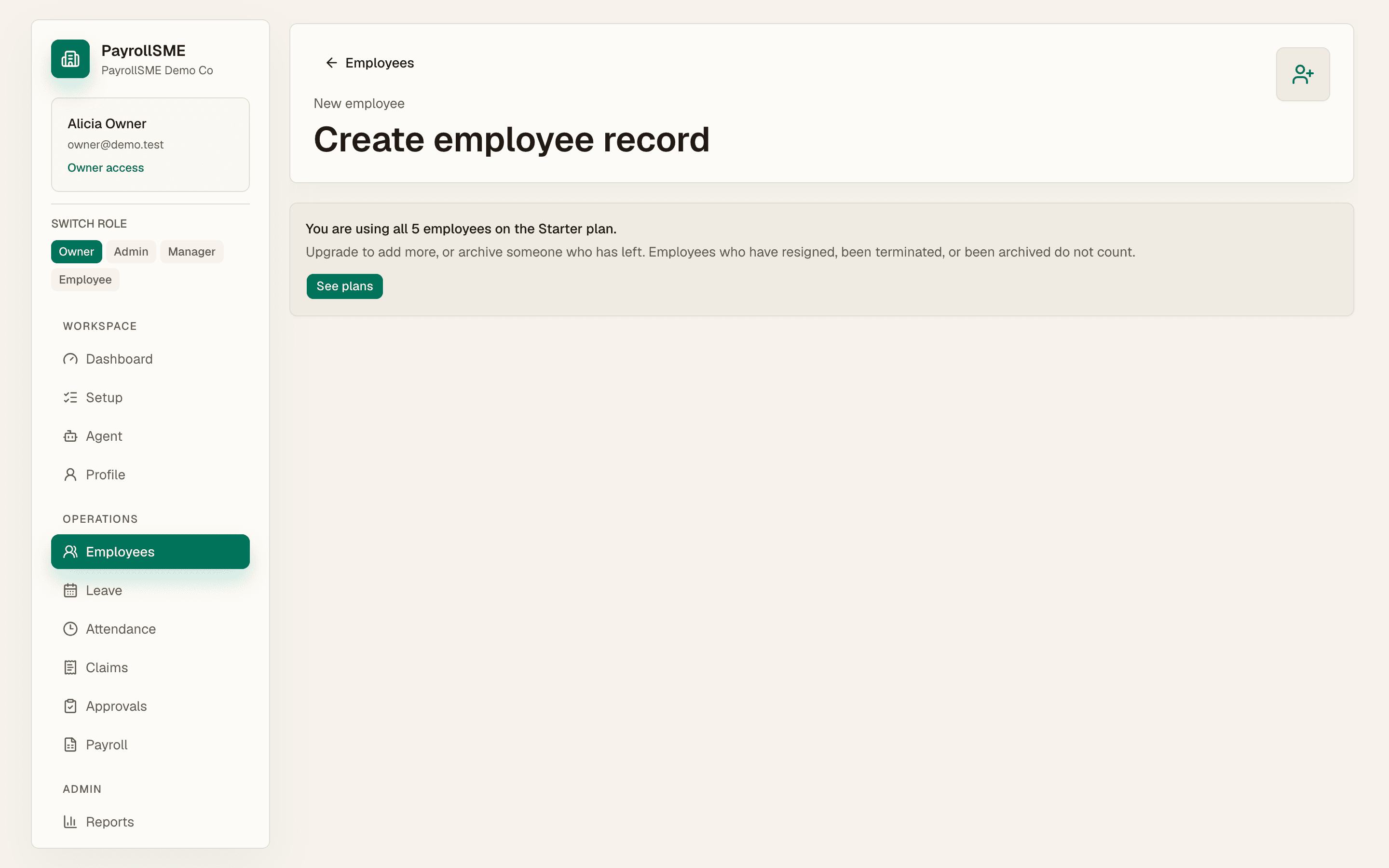
On /employees/new:
- Complete profile basics: employee code, legal name, preferred name, work email, phone, start date, job title, emergency contact, emergency phone, employment status, and employment type.
- Complete starting salary: pay type, effective date, amount, currency, bank, bank account last four digits, EPF number, SOCSO number, and tax number.
- Select Save employee.
The employee appears on /employees after saving. Date of birth and citizenship matter because payroll readiness checks them for EPF/SOCSO age bands and PCB.
SKBBK (Lindung 24 Jam)
SKBBK (the "Lindung 24 Jam" scheme, run by PERKESO) covers non-work accidents. It is mandatory for foreign workers and voluntary (opt-out) for Malaysian employees. The contribution is employee-borne and appears as a statutory deduction.
On the employee profile and new-employee form you set the SKBBK status:
| Status | Meaning |
|---|---|
| Mandatory (foreign worker) | Contributes; cannot opt out |
| Participating (local) | Contributes; the default for a local who has not opted out |
| Opted out (local) | Contributes nothing |
A blank status is surfaced in payroll readiness rather than silently assumed, so opted-out locals are never charged and mandatory foreign workers are never missed.
Employee detail and salary versions
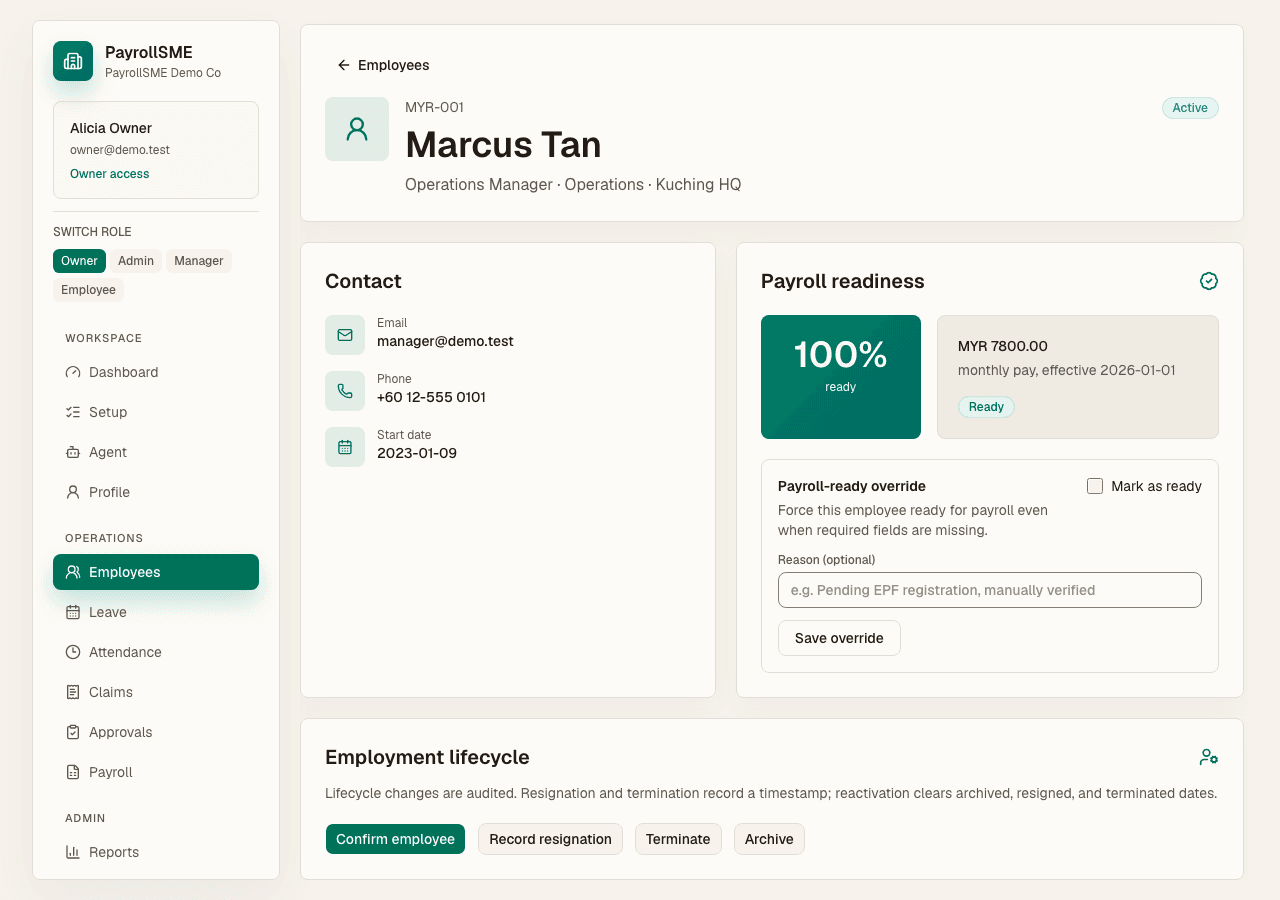
Open an employee profile from the list to see the record's readiness, active salary, and history:
- The profile shows the effective salary profile and whether one exists — "Create a salary profile before payroll preparation" until it does.
- Add salary versions over time. Each version carries a pay type and effective date, and the effective one is used by payroll.
- Statutory identifiers (EPF, SOCSO, tax number) live with the profile and are checked for readiness.
Every change is written to the audit trail with the person, time, and value before and after.
Import from a spreadsheet
Use the migration wizard on /migration:
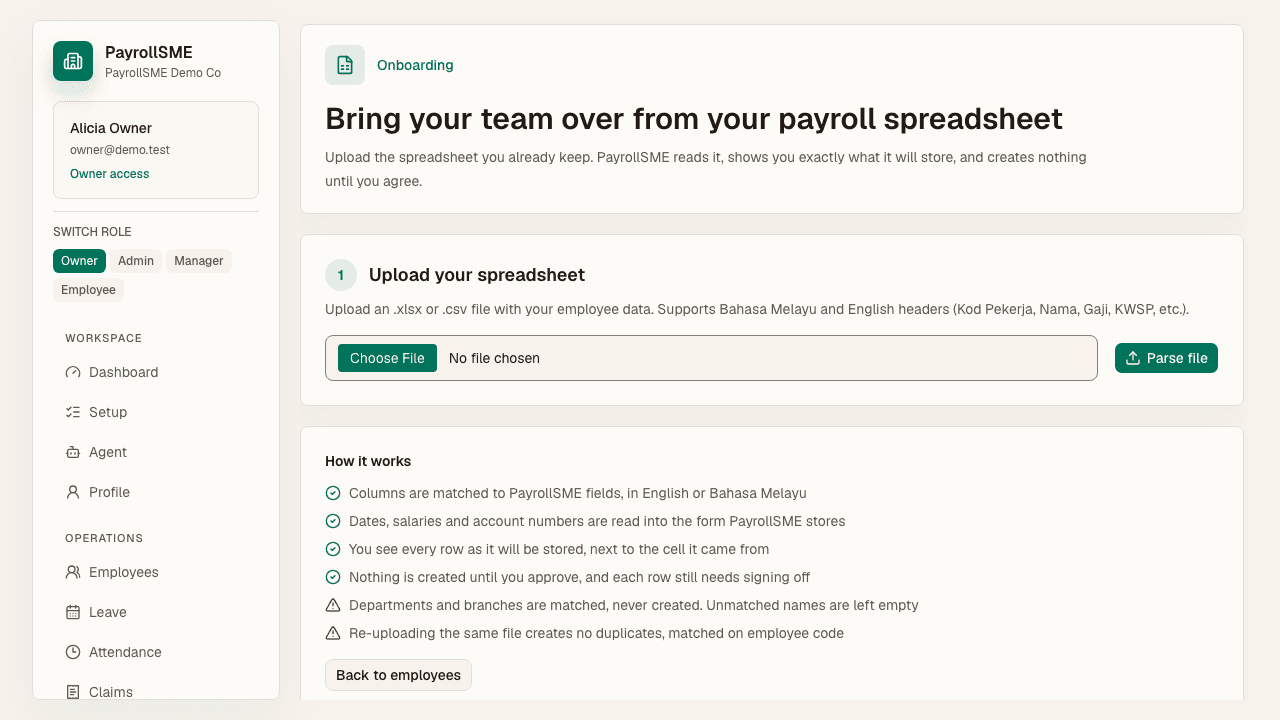
- Upload an Excel or CSV file with employee rows.
- Review the proposed column mapping, including which columns are salary or sensitive.
- Review draft rows; duplicates are detected and skipped, and department or branch names that match nothing in the workspace are left empty rather than guessed.
- Confirm the import. Drafts are created as agent action proposals — each needs approval in the Agent workspace before the employee record exists.
Pay and statutory columns are only imported if your role can write them.
Acceptance check
- Employee list search and filters work.
- Each employee profile shows salary and statutory details.
- Readiness reflects only complete records, and missing fields are labelled on the list.
- Imported rows become proposals that need approval before any record is created.