DocsDay to day
Staff portal
How staff submit leave and claims, record attendance, view payslips, and track HR decisions from their own workspace.
Every employee and manager has a personal workspace at /me — their own portal for HR tasks, separate from the admin workspace.
Home
The staff home page greets you by name and offers quick actions:
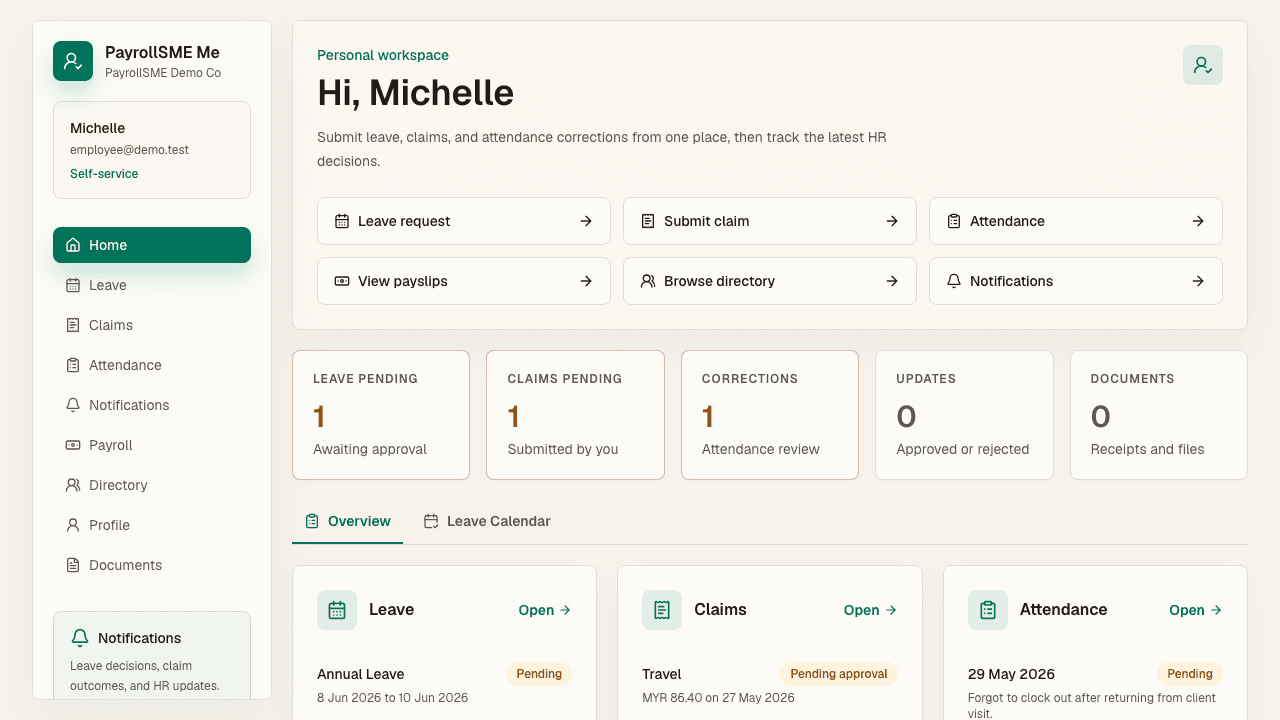
- Leave request
- Submit claim
- Attendance
- View payslips
- Browse directory
- Notifications
The quick actions take you straight to the task you need, and the panels below show the latest state of your leave, claims, and attendance.
Leave
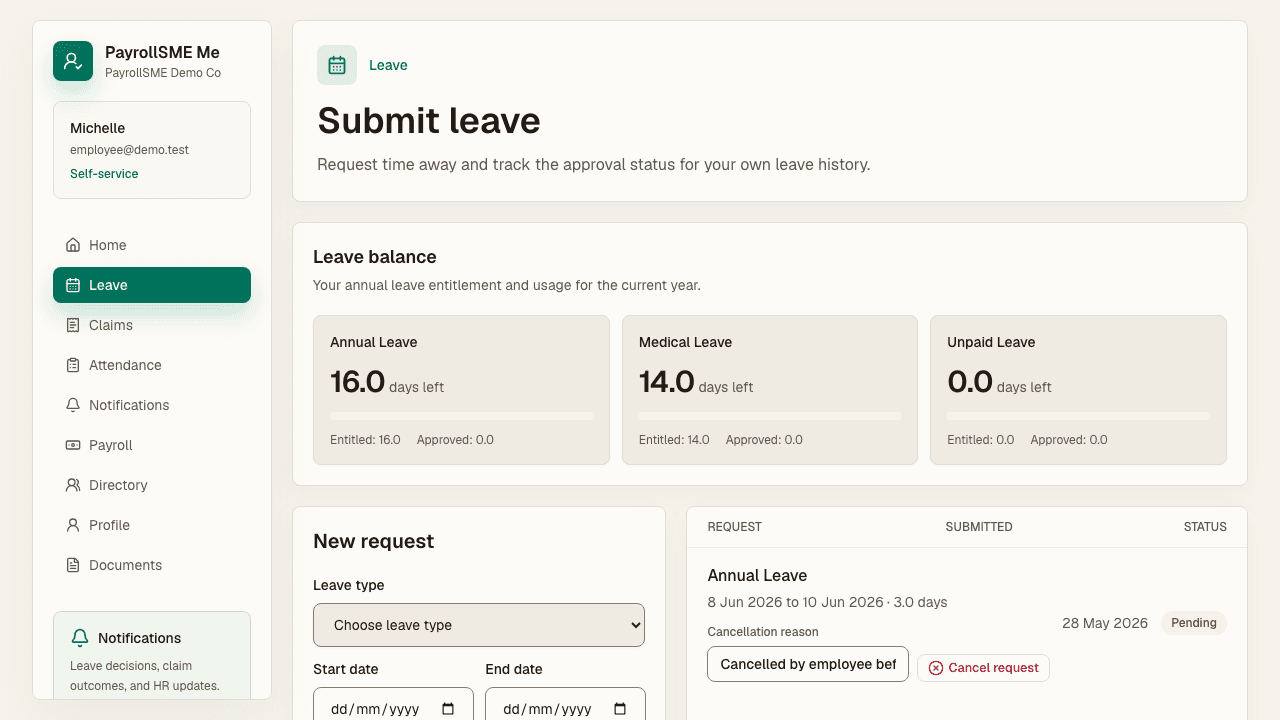
On /me/leave, submit a leave request and track the approval status of your own leave history. Pick the leave type, dates, day portion, and reason, then submit. The request enters the approval workflow.
Claims
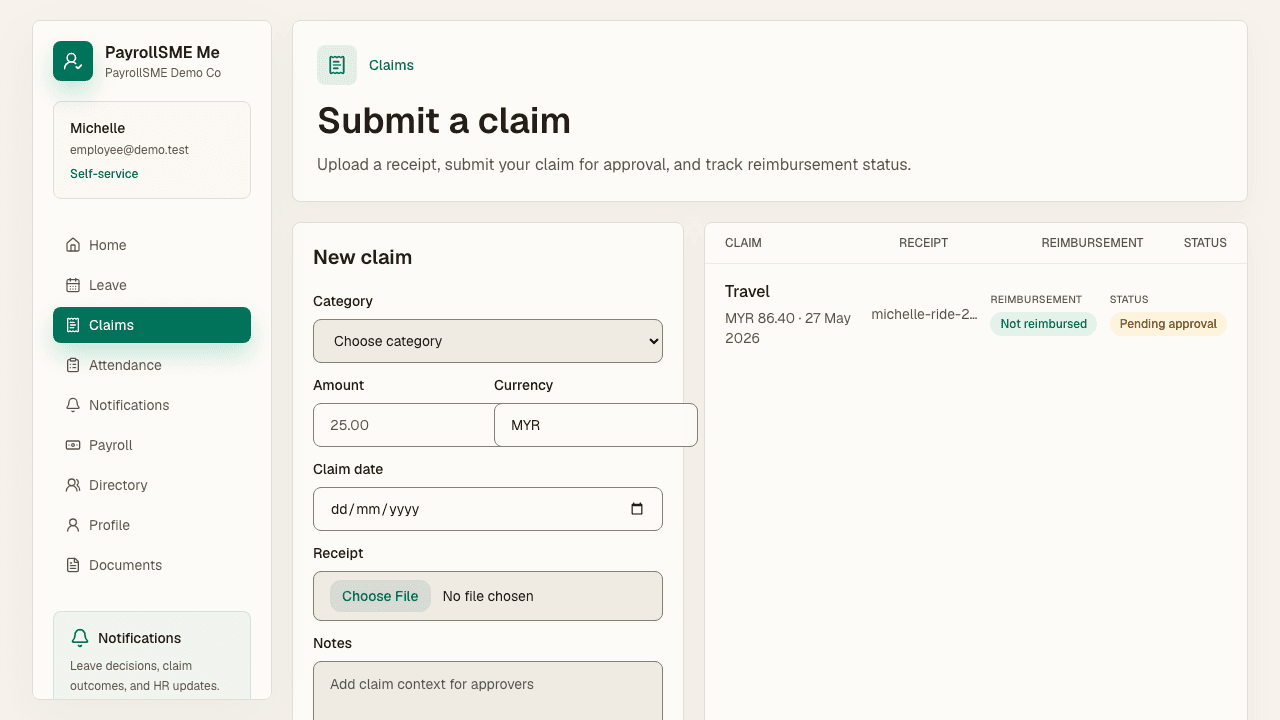
On /me/claims, upload a receipt, submit your claim for approval, and track reimbursement status. Your claim appears in the admin queue and approval inbox, and you can see when it is approved and reimbursed.
Attendance
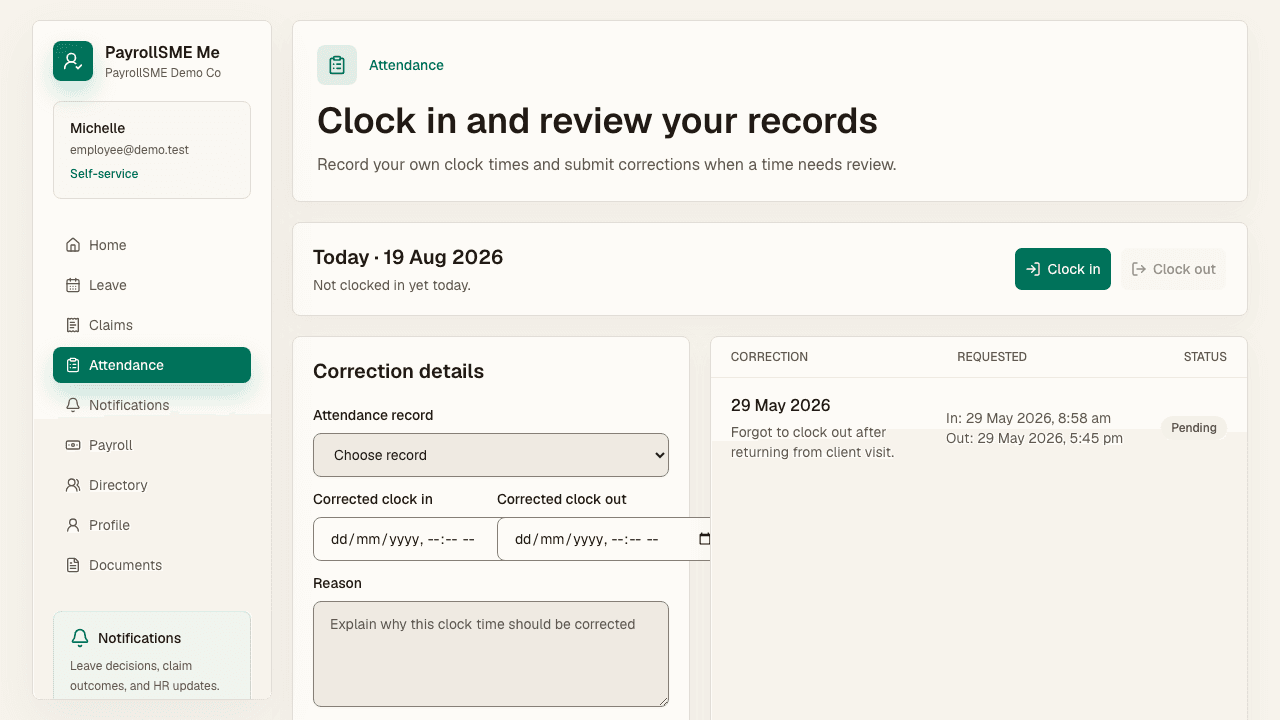
On /me/attendance, record your own clock times and submit corrections when a time needs review. Corrections route to the approval inbox as attendance items.
Payslips
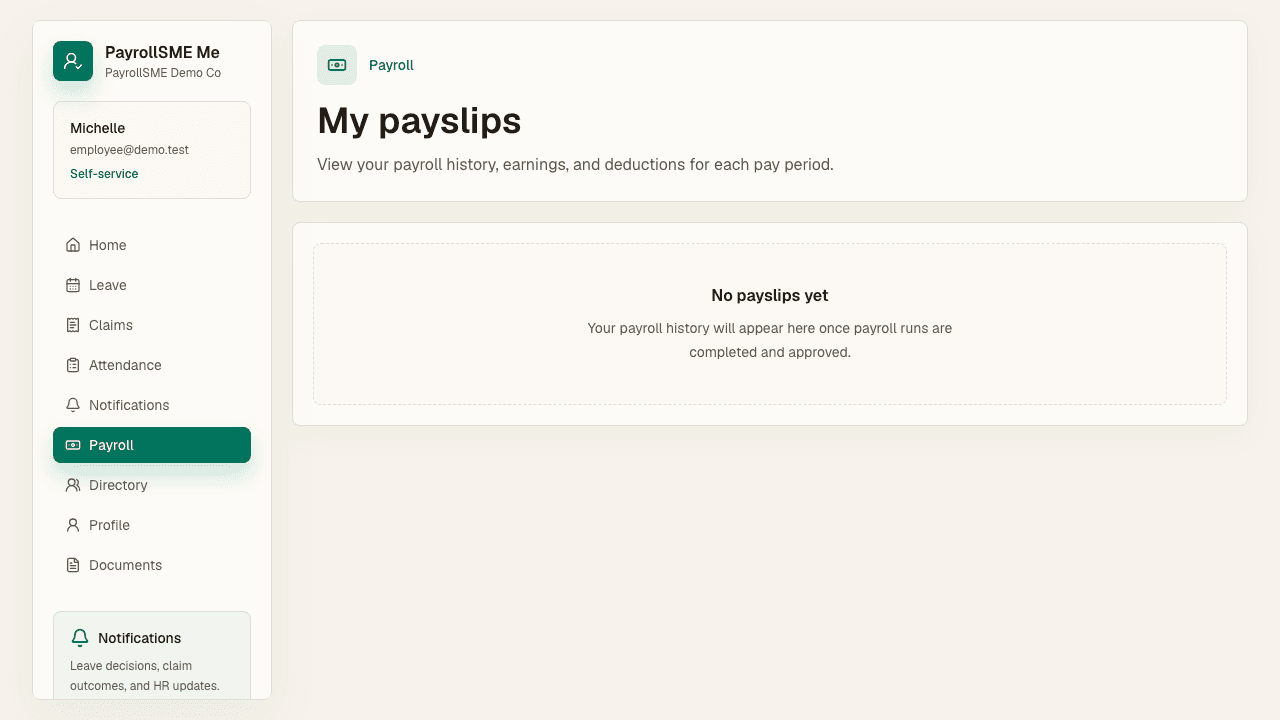
On /me/payroll, view your payroll history, earnings, and deductions for each pay period.
Directory
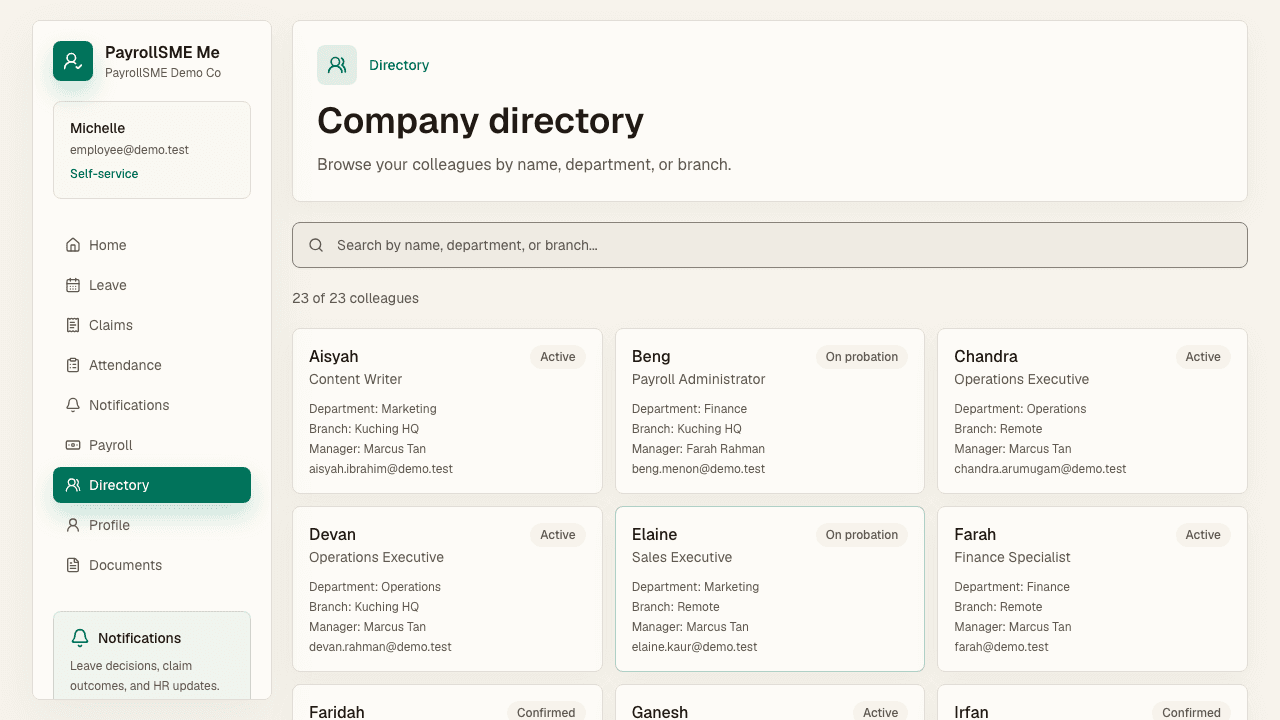
On /me/directory, browse colleagues by name, department, or branch.
Notifications
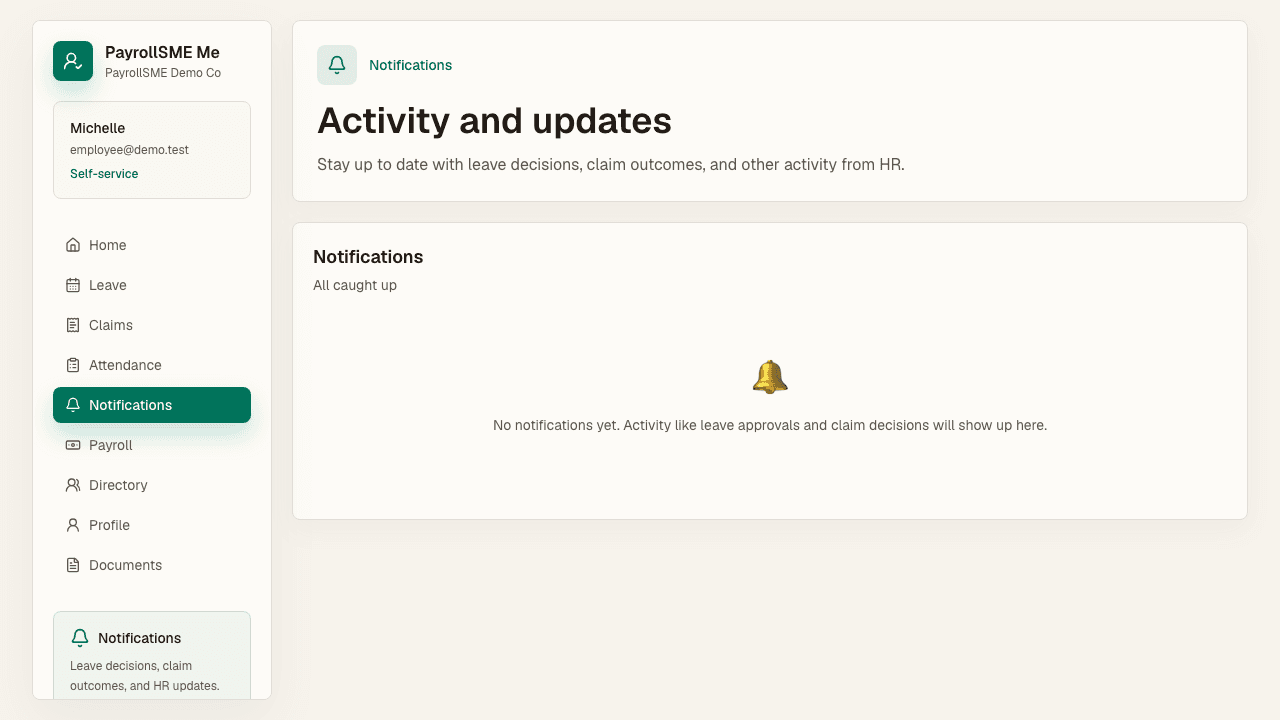
On /me/notifications, stay up to date with leave decisions, claim outcomes, and other activity from HR.
Documents and profile
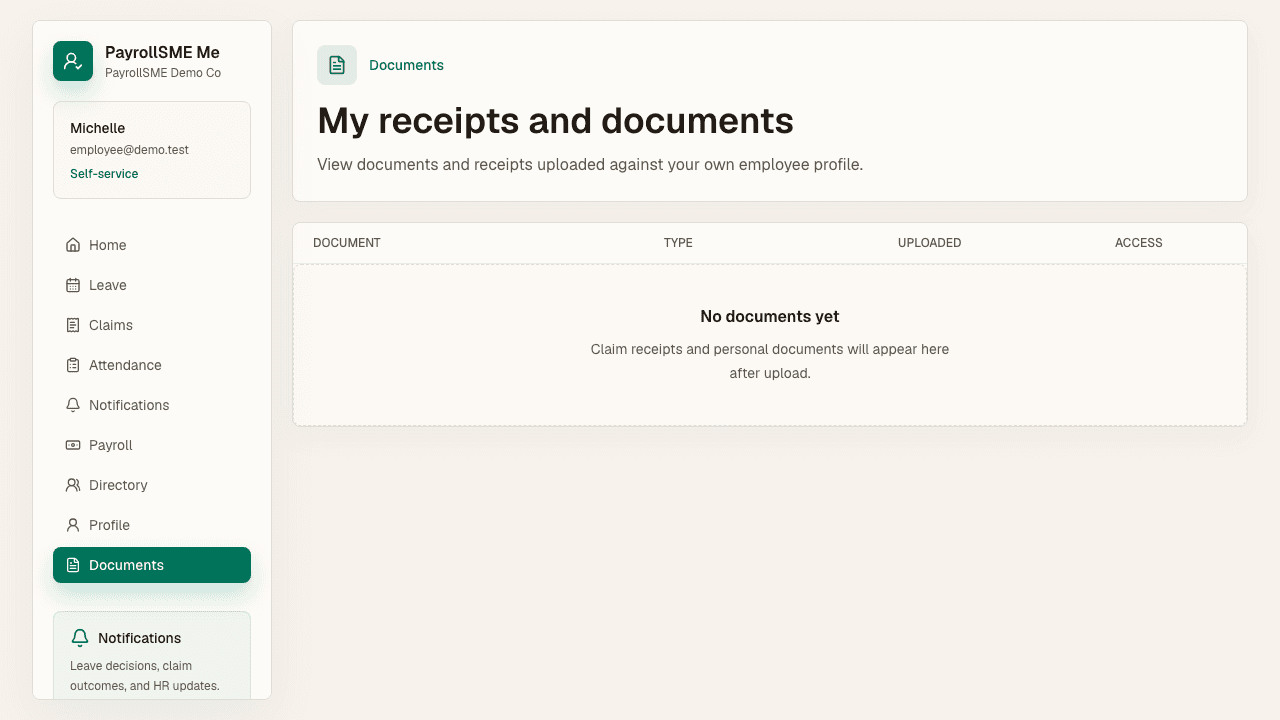
- Documents — receipts and documents uploaded against your own employee profile.
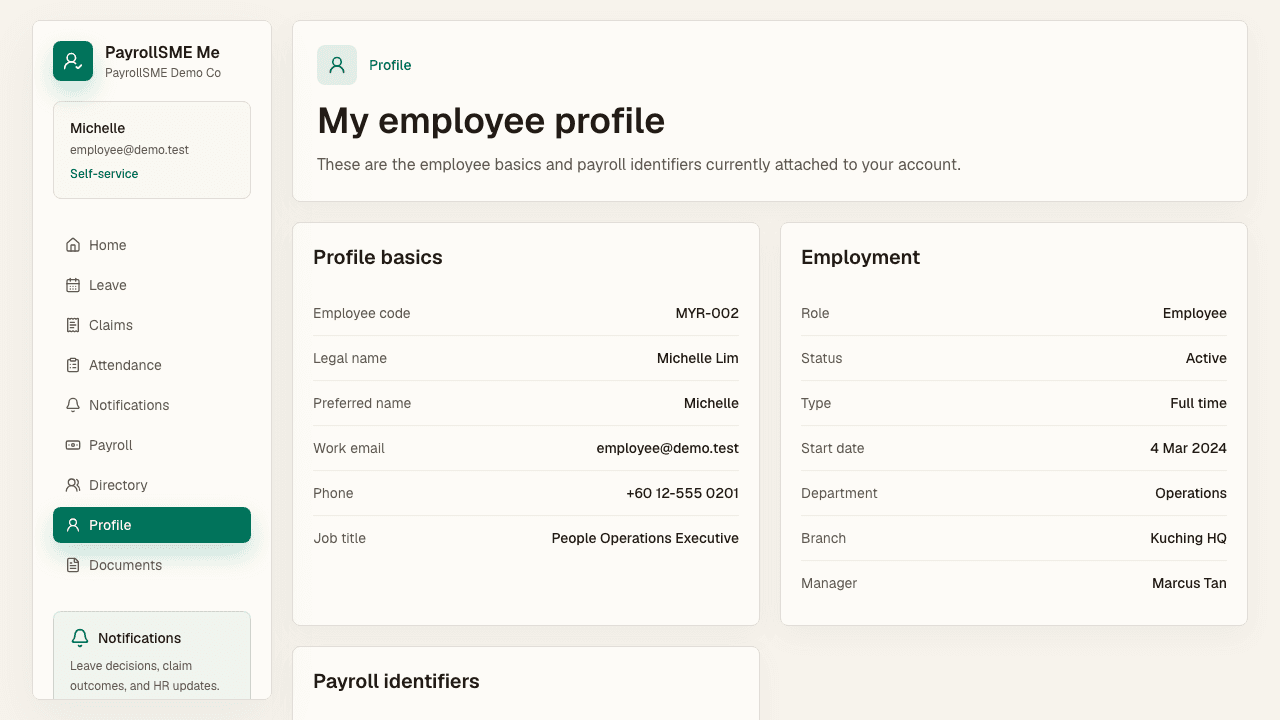
- Profile — your employee basics, employment details, and payroll identifiers (EPF, SOCSO, tax, and SKBBK / Lindung 24 Jam participation) currently attached to your account.
Acceptance check
- Staff can submit and track their own leave, claims, and attendance corrections.
- Staff see only their own payslips and documents.
- HR decisions appear in the notifications list.